
Designing a custom T-shirt with VistaPrint is pretty simple, but a little planning can make a big difference in the final result. Before you upload a logo or start adding text, it helps to think about who will wear the shirt, what you want it to communicate, and how the design will look from a distance.
These simple tips will help you create a VistaPrint T-shirt that looks clean, professional and, most importantly, like something people will actually want to wear!
Thinking of placing an order for VistaPrint t-shirts? Here are today’s featured promo codes, plus a great video explaining how to design a great custom t-shirt on vistaprint.com.
VistaPrint T-Shirts: Coupons | How to design | Printing method | Design size | Prepare artwork | Save money
Best Discount Code for VistaPrint T-Shirts
Are you a new VistaPrint customer? If so, you can save 20% on your first order of t-shirts, apparel, or anything else site-wide at VistaPrint.com. Orders over $100 also ship free, so consider increasing your quantity of shirts to qualify! Want to see more VistaPrint coupons? We list them here and update them every day!
How to Design a VistaPrint T-Shirt
Before you jump into the VistaPrint design tool, it helps to have a basic plan. Think about what the t-shirt is for, who will wear it, and what you want people to notice first.
- Start with the purpose. Are you creating shirts for employees, an event, a giveaway, or merchandise you plan to sell?
- Think about your audience. Choose colors, styles, and messaging that will appeal to the people who are actually going to wear the shirt.
- Pick the shirt color early. The fabric color is part of the overall design, so make sure your logo and text will stand out clearly.
- Consider your budget and order size. The number of shirts you need may affect the best printing method and overall cost.
1. Choose the Right T-Shirt Printing Method
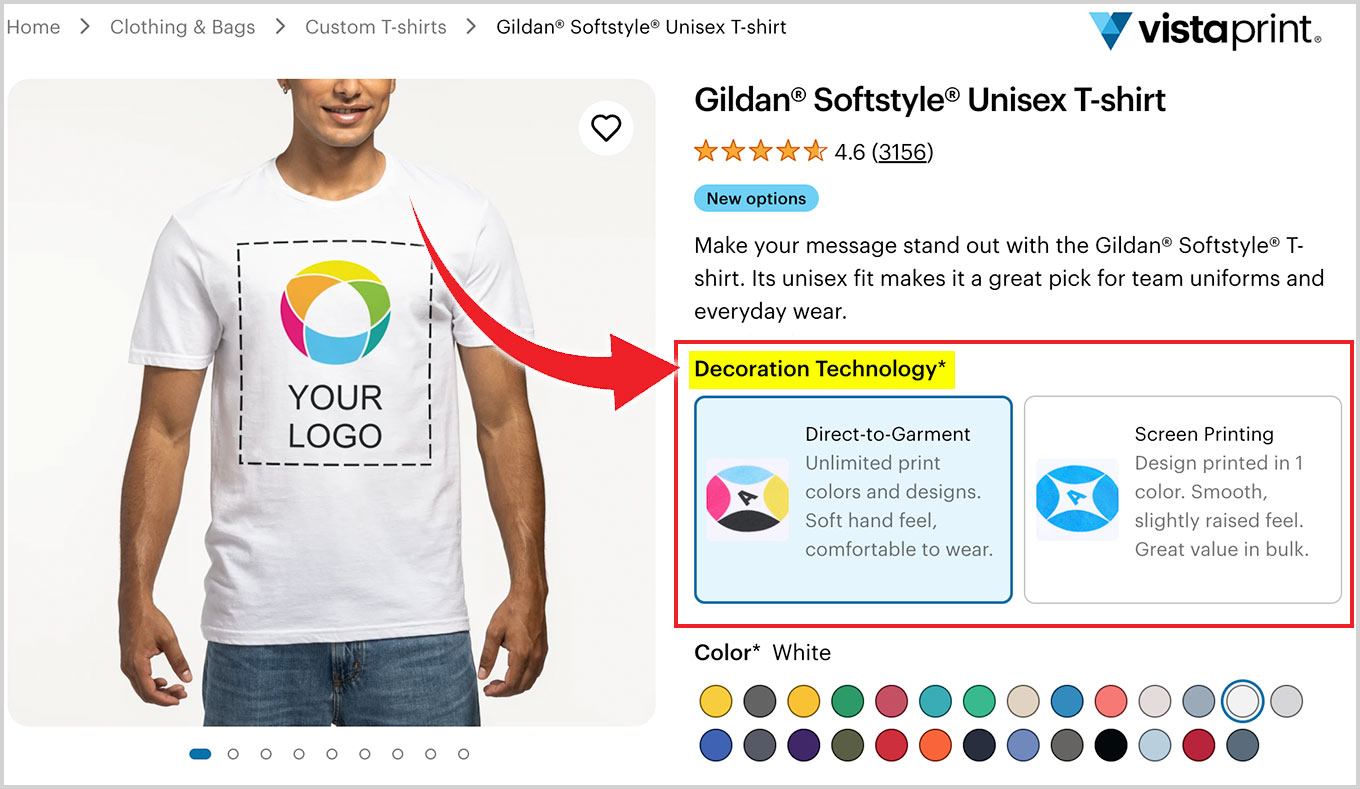
Screen printing or DTG? There are a few common ways to print a custom T-shirt, and each one works best for a slightly different type of design:
- Screen printing: A durable and affordable choice for larger orders, especially when the design is fairly simple and uses only a few colors.
- Direct-to-garment printing: A better fit for small orders, detailed artwork, photographs, gradients, and designs with lots of colors.
- Vinyl or heat-transfer printing: A solid option for bold lettering, numbers and smaller orders, although larger designs may feel slightly heavier on the shirt.
Which printing method is best for your t-shirt design? We compare DTG and screen-printing here!
2. Keep Your T-Shirt Design Simple
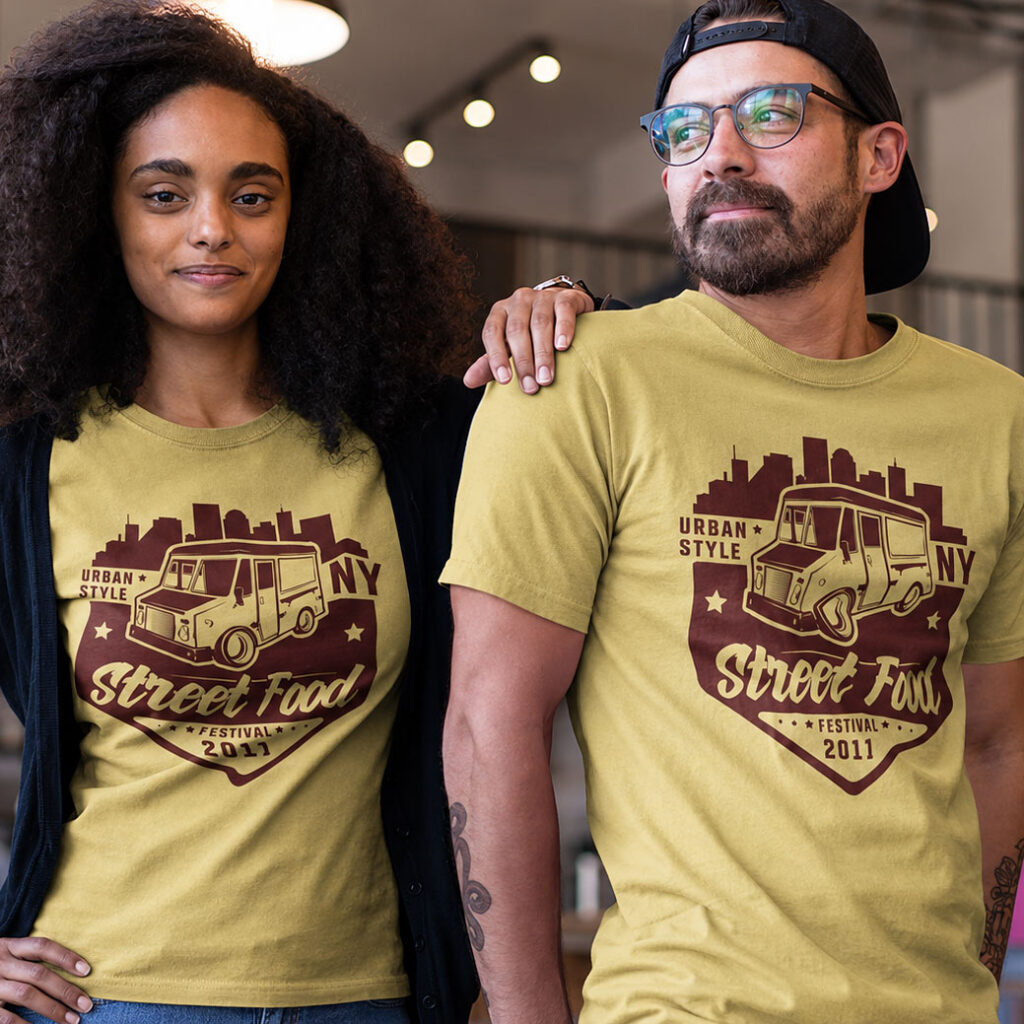
Did you ever hear of the saying, “KISS: Keep It Simple Stupid!” When it comes to T-shirt design, simple is usually better.
- Focus on one clear idea or message instead of trying to squeeze too much onto the shirt.
- Use your logo, slogan, illustration, or a simple combination of these elements.
- Less is more, so stick with a limited number of fonts and colors.
- Legibility: Make important text large enough to read without having to stand right next to the person wearing it.
- Use strong contrast between the artwork and the shirt color.
- Avoid tiny details, thin lines, or complicated textures that may not print clearly.
3. T-Shirt Design Placement and Size
Where you place the design can make just as much difference as the design itself. Here are the design options for the front and back of VistaPrint t-shirts.
🍑 T-Shirt Front Design:
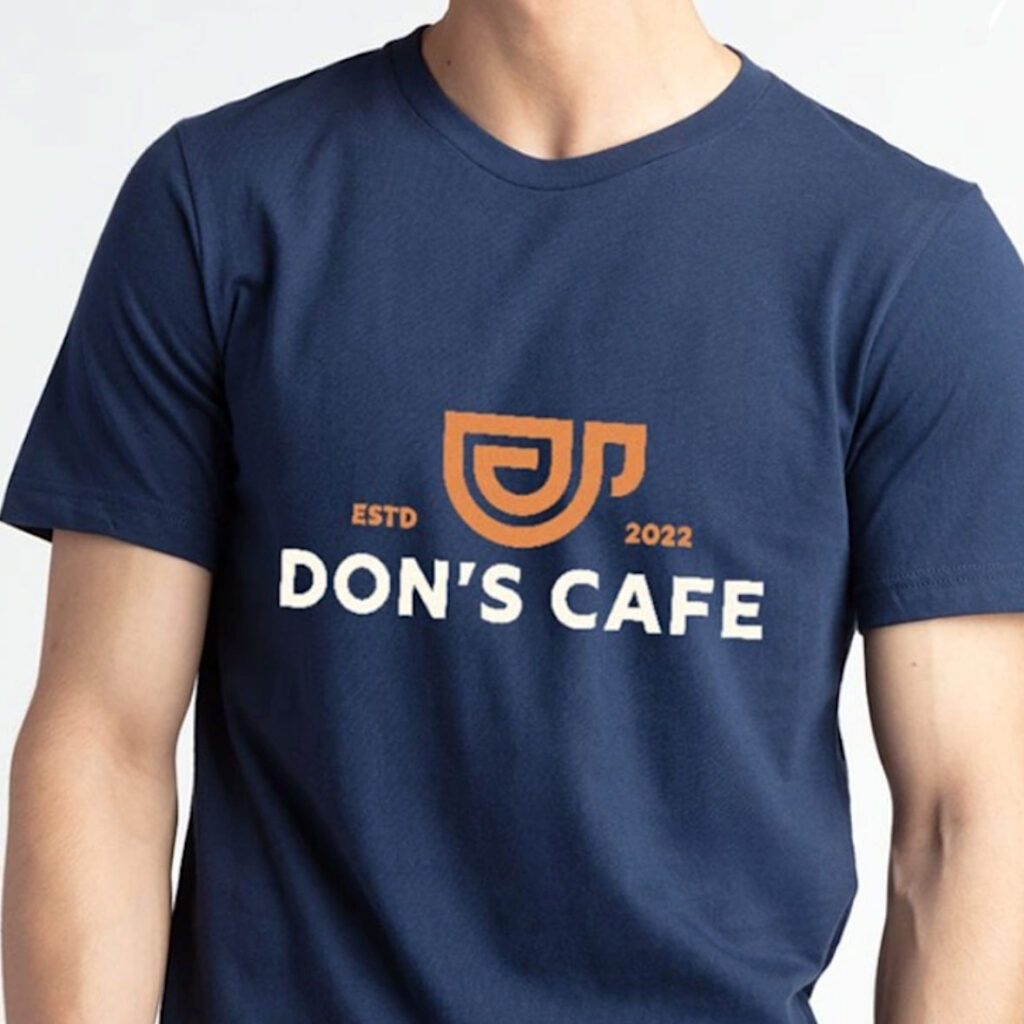
Most people start here, and you generally have two main directions to go:
- Full-Front Design: This is the classic choice for band tees or limited-edition artist shirts. It offers high visibility and style. Recommended Size: 8 x 8 inches or 10 x 10 inches.
- Left-Chest Design: If you want something more professional or “uniform-style,” this is your best bet. It’s subtle, impactful, and perfect for a logo without overwhelming the shirt. Recommended Size: 4 x 4 inches.
🍑 T-Shirt Back Design:
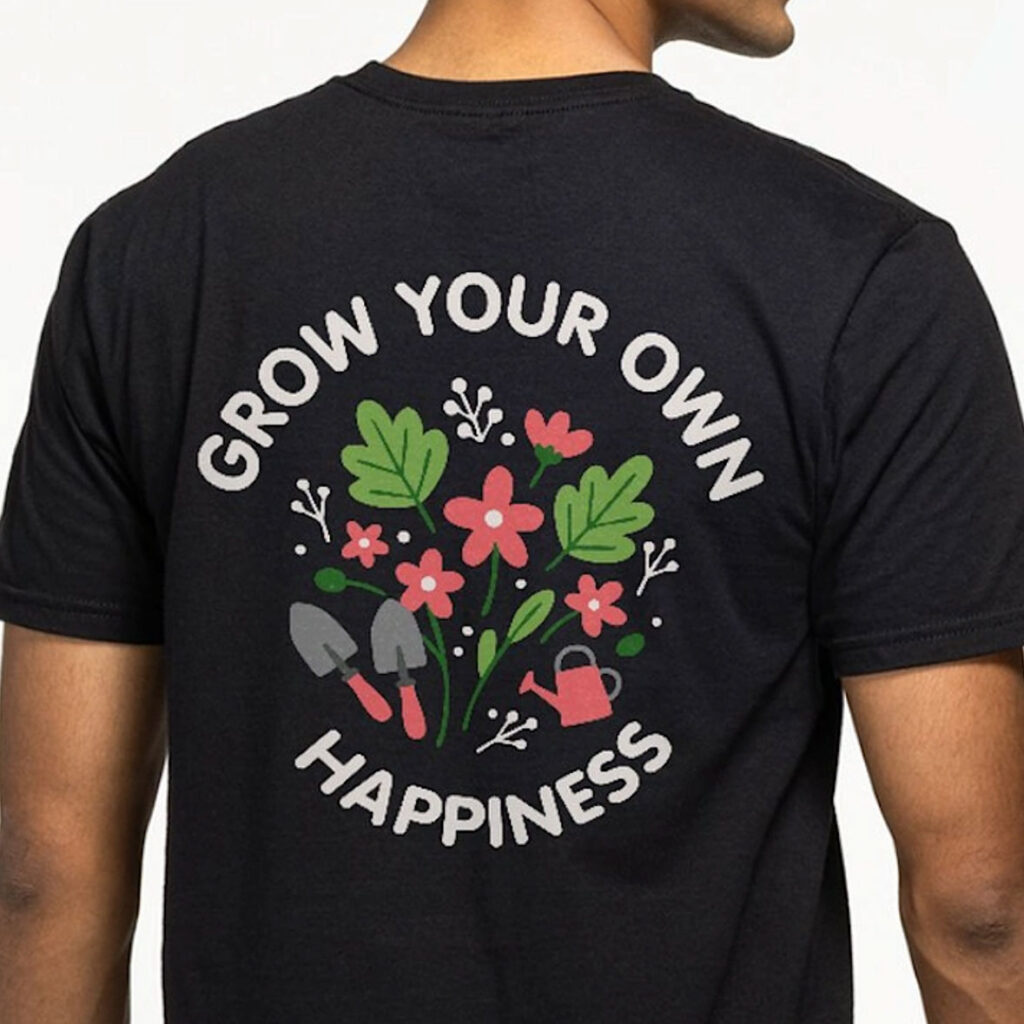
The back of a shirt is prime real estate that often gets overlooked, but it’s a surefire way to stand out.
- Full-Center Back: This is great for sports jerseys (think numbers), charity names, or unique artwork. *Recommended Size: 10–14 inches in length and 10–12 inches in width.
- Back-Neck Design: For a more minimalist, sophisticated look, you can place a small logo just below the outer back collar. It’s a stylish way to promote a brand or sponsor without being too showy. *Recommended Size: 2 x 2 inches or 4 x 4 inches.
Remember that your t-shirt design may look slightly different on different size shirts, like small vs. XXL!
Printing on shirt sleeves? The standard VistaPrint online tool is perfect for front, back, and left-chest designs. For sleeve prints, you’ll just need to check in with the Custom Quote team to see if a specialty order is an option. ($500 minimum)
4. How to Prepare Your T-Shirt Artwork
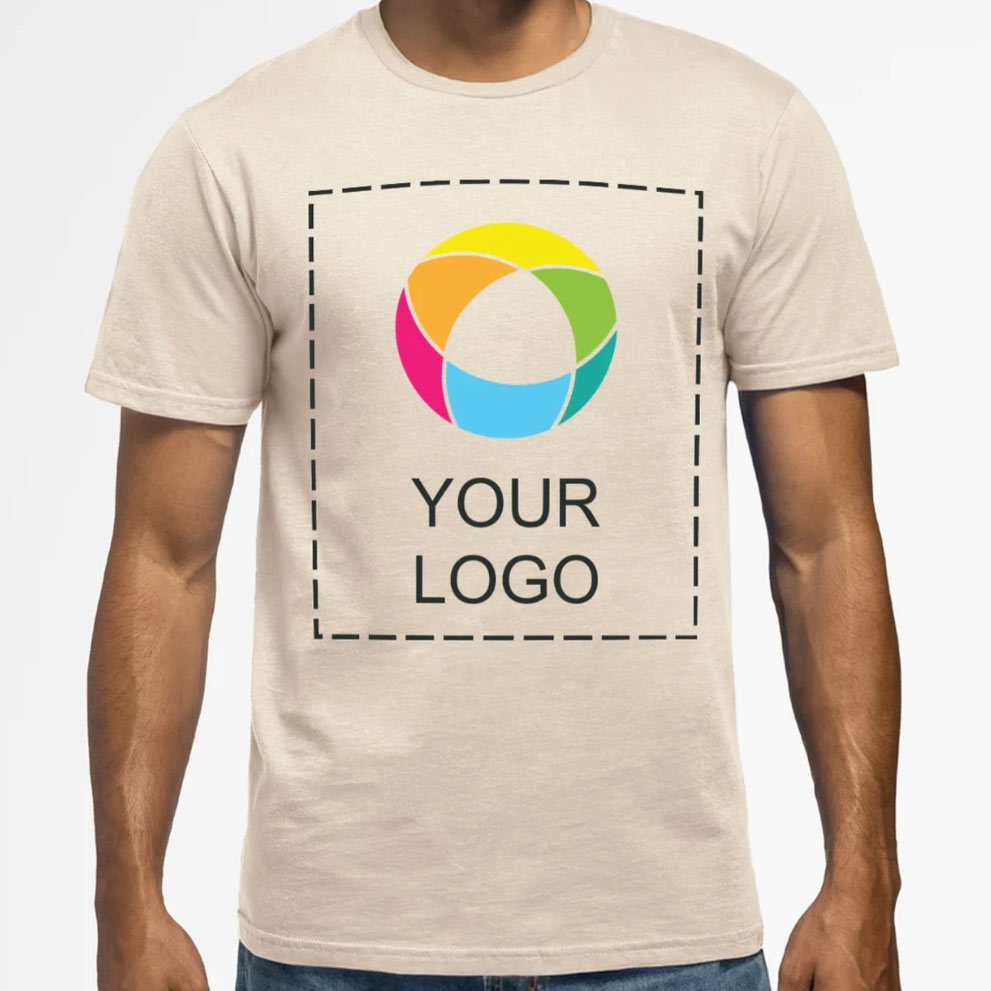
Before you hit that upload button, you need to make sure your digital file is ready for the “real world”. Here is how to set yourself up for success at VistaPrint:
- Double-check spelling, phone numbers, website addresses, and any other important details. A typo would be an awful mistake!
- Choose the Right Format: While VistaPrint accepts many file types (including .png, .jpg, and .gif), we highly recommend using .pdf, .ai, or .psd for the highest quality results.
- Watch Your Resolution: To keep your design from looking blurry or pixelated, ensure your image resolution is at least 300 dpi.
- Check the File Size: Make sure your file doesn’t exceed the 100MB limit.
- Mind the Colors: While digital screens use RGB, VistaPrint recommends using CMYK color for designs. Set your design software to CMYK to avoid unexpected color shifts.
Tip: Use a transparent-background PNG to avoid having the background color of your file printed on the shirt!
5. Preview the Design and Consider a Sample VistaPrint T-Shirt
The online preview is helpful, but it may not show exactly how the finished shirt will look in person.
- Review the design carefully before placing the order.
- If you are ordering a large quantity, consider buying one sample first.
- Check the shirt’s fit, fabric, colors, print quality, and design placement.
- Make any adjustments before placing the full order.
Did you know: While VistaPrint does not offer free sample t-shirts, it’s wise to order one before placing a large order. However, they do offer free sample business cards and wedding sample kits.
How to Save Money on Your VistaPrint T-Shirt Order
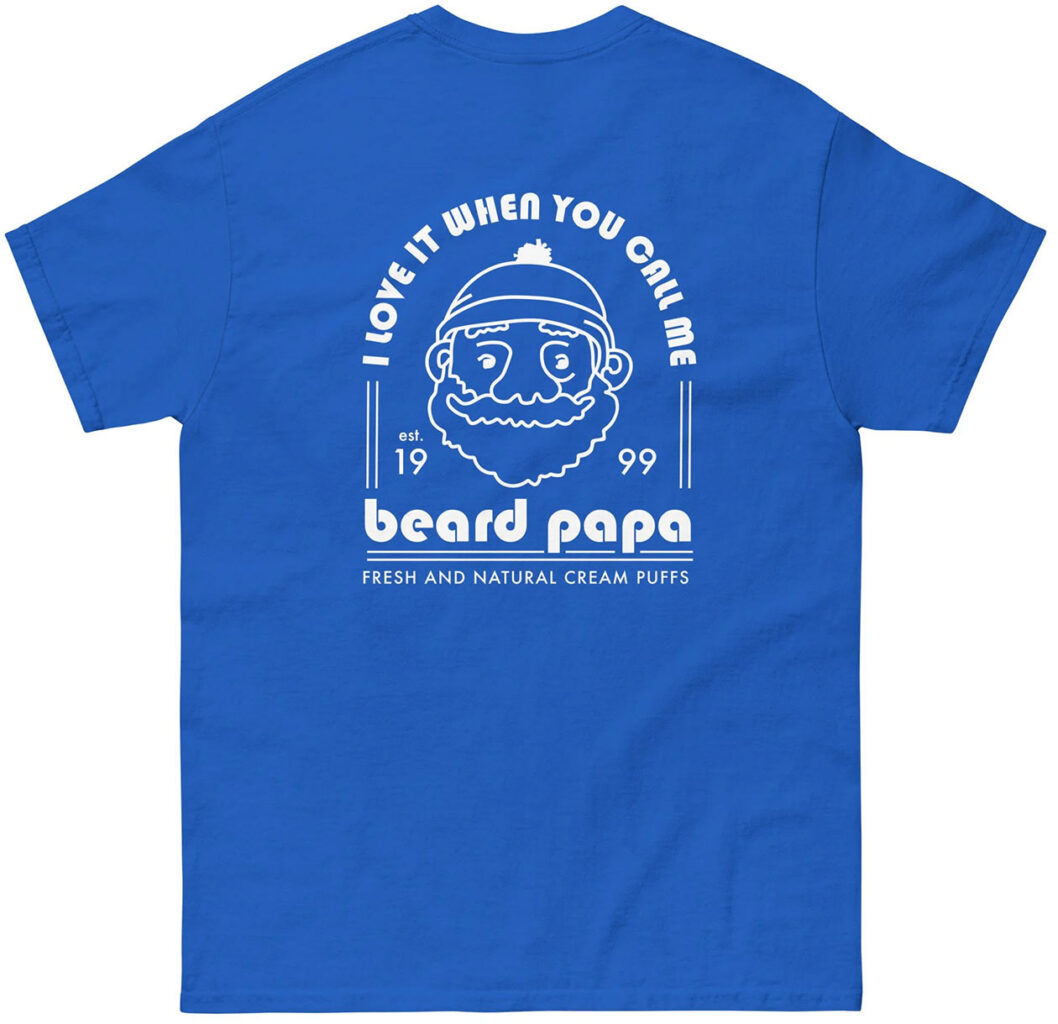
The cost of VistaPrint custom T-shirts can add up fast, especially when you’re ordering for a whole team, event, or promotion. The good news is that a few smart choices can bring the price down without making the shirts look or feel cheap.
- Order more t-shirts at once. VistaPrint uses quantity-based pricing, so larger orders can lower the cost per shirt. Compare a few quantities and you may be surprised how little it costs to add a few extra shirts.
- Use a VistaPrint promo code. VistaPrint regularly offers discounts on T-shirts, apparel and other products. Since the codes change often, check our updated VistaPrint coupon page before ordering.
- Qualify for free shipping. VistaPrint offers free Standard shipping on orders of $100 or more, so it may be worth combining items to reach the minimum.
- Compare t-shirt styles and materials. Premium fabrics, specialty fits and name-brand shirts like Bella + Canvas and Allmade® usually cost more. For giveaways, fundraisers or one-time events, a basic cotton or cotton-blend t-shirt may work perfectly well.
- Keep the printing simple. Printing on the front, back and sleeves can raise the price. To save money, choose the one placement that gets your message across best.
- Order early. Rush delivery costs more, while planning ahead gives you cheaper shipping options, and can help you qualify for free Standard shipping.
Just Remember to Keep it Simple (And Sexy!)
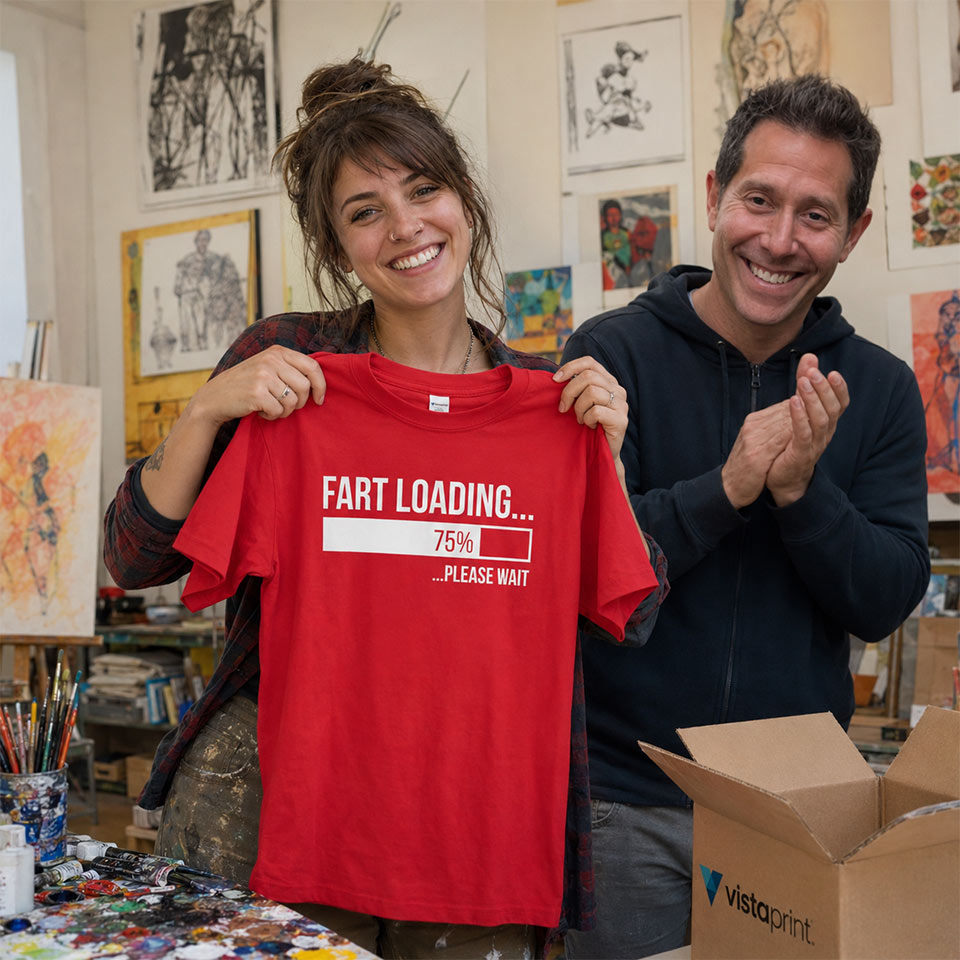
A great custom T-shirt doesn’t have to be complicated. Start with a clear idea, keep the artwork simple and easy to read, and choose a printing method that suits both your design and the size of your order. Take a moment to think about the shirt color, design placement, image quality, and how everything will look across different sizes.
Most of all, try to make something that feels like a shirt people would genuinely want to wear, and not just your logo printed on fabric. When the design looks good, feels comfortable, and gets your message across clearly, people are much more likely to wear it, share it, and help spread the word about your business.
VistaPrint T-Shirts FAQs
Yes. VistaPrint lets you customize T-shirts with your own logo, artwork, text, or design for businesses, events, schools, sports teams, and personal use.
Many VistaPrint T-shirts printed with direct-to-garment or heat-transfer methods have no minimum order, so you can order just one. Screen-printed shirts may require a minimum quantity.
Yes. Many VistaPrint T-shirt styles can be ordered individually, making them suitable for personal projects, samples, or small businesses.
Yes. Larger orders have a lower cost per shirt, making bulk purchases a popular option for businesses, teams, and events.
Shipping times vary depending on the shirt style, customization, and shipping method selected. Standard and expedited delivery options are typically available during checkout.
Yes, $100+ orders qualify for free standard shipping. Save even more when you stack a promo code.
A high-resolution PNG with a transparent background is often a good choice for logos and artwork. Vector files can also work well because they can be resized without losing sharpness.
Yes, selected VistaPrint T-shirts support printing on both the front and back. Some styles may also offer sleeve or additional placement options, which can increase the price.
VistaPrint recommends CMYK instead of RGB to avoid potential color shifts.
Do you have tips for designing VistaPrint t-shirts? If so, drop us a line below. Good luck with your VistaPrint t-shirt order, and thanks for visiting PrettySweet.com!